
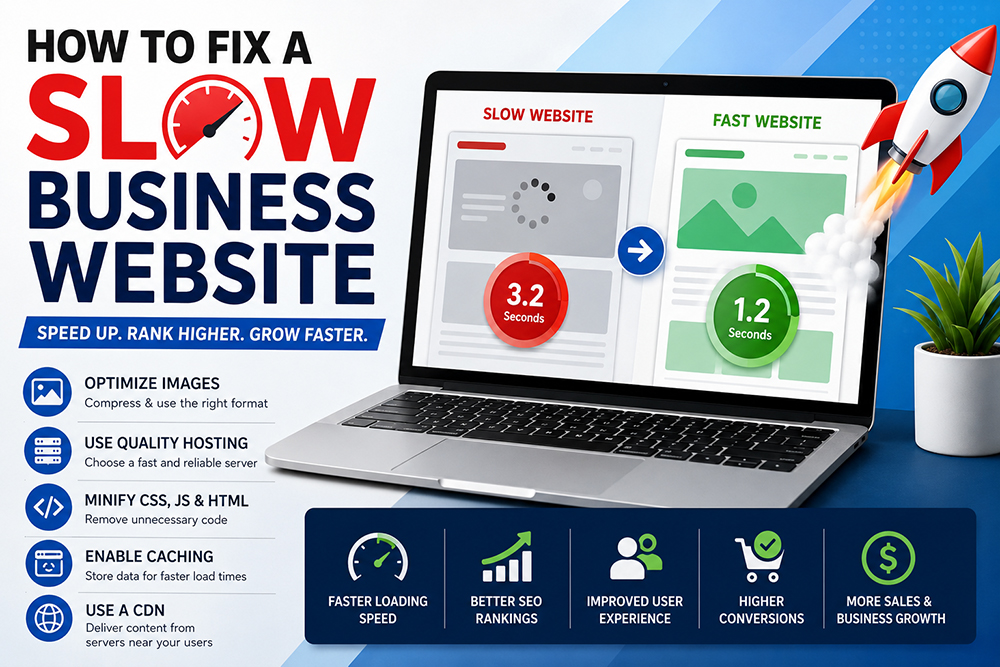
How to Fix a Slow Business Website
A slow business website can significantly impact your online success. In today’s fast-paced digital environment, website visitors expect pages to load almost instantly. When a website takes too long to load, users become frustrated and often leave before interacting with the content. This not only affects user experience but also reduces search engine rankings, conversion rates, and overall revenue.
Many business owners invest heavily in website design, digital marketing, and advertising but overlook website speed optimization. Even the most visually appealing website can fail to generate leads if it performs poorly. Understanding why a slow business website occurs and how to fix it can help businesses improve customer satisfaction, increase conversions, and gain a competitive advantage.
Why a Slow Business Website Is a Serious Problem
A slow business website creates a poor first impression. Research consistently shows that users form opinions about websites within seconds. If pages load slowly, visitors may assume the business is outdated or unprofessional.
Website speed affects several important areas:
- User experience
- Search engine rankings
- Lead generation
- Online sales
- Customer retention
- Brand reputation
A website that loads quickly creates a smoother browsing experience and encourages visitors to stay longer and engage with your business.
How a Slow Business Website Affects SEO
Search engines prioritize websites that provide a positive user experience. Website speed has become an important ranking factor because users prefer fast-loading websites.
A slow business website can negatively impact SEO by:
- Increasing bounce rates
- Reducing page views
- Lowering user engagement
- Decreasing crawl efficiency
- Limiting indexing opportunities
Businesses that improve website speed often experience better search rankings and increased organic traffic.
Common Causes of a Slow Business Website
Before fixing a slow business website, it is important to identify the root causes. Several technical and design factors can contribute to poor performance.
Large Image Files
Images are one of the most common causes of slow loading speeds. High-resolution images consume significant bandwidth and increase page load times.
Common image issues include:
- Uncompressed images
- Oversized dimensions
- Unsupported formats
- Multiple large graphics
Optimizing images can dramatically improve website performance.
Poor Web Hosting
Hosting quality plays a major role in website speed. Cheap or overloaded hosting servers often struggle to deliver content efficiently.
Signs of poor hosting include:
- Frequent downtime
- Slow server response
- Limited resources
- Inconsistent performance
Upgrading to a reliable hosting provider can greatly improve website speed.
Excessive Plugins
Many websites rely on plugins to add functionality. However, too many plugins can slow down performance.
Plugin-related issues include:
- Excessive database queries
- Conflicting scripts
- Poor coding practices
- Increased server load
Regular plugin audits help maintain optimal performance.
Unoptimized Code
Poorly written code can significantly affect loading times.
Examples include:
- Excessive JavaScript
- Large CSS files
- Unnecessary code
- Render-blocking resources
Code optimization helps websites load faster and operate more efficiently.
Lack of Browser Caching
Browser caching allows returning visitors to load pages more quickly by storing website resources locally.
Without caching:
- Every page request loads all resources again
- Loading times increase
- User experience suffers
Proper caching strategies improve performance and reduce server load.
How to Fix a Slow Business Website
Improving a slow business website requires a combination of technical optimization and ongoing maintenance.
Optimize Images
Image optimization is one of the easiest ways to improve speed.
Best practices include:
- Compressing images
- Using modern formats
- Resizing appropriately
- Implementing lazy loading
Smaller image files reduce loading times without sacrificing quality.
Upgrade Hosting Services
A reliable hosting provider can dramatically improve website performance.
Consider:
- SSD hosting
- Cloud hosting
- Dedicated servers
- Managed hosting solutions
Quality hosting provides faster response times and better reliability.
Minify CSS and JavaScript
Minification removes unnecessary characters and spaces from code files.
Benefits include:
- Faster downloads
- Reduced file sizes
- Improved performance
Many optimization tools can automate this process.
Enable Content Delivery Networks (CDNs)
A CDN distributes website content across multiple servers worldwide.
Advantages include:
- Faster content delivery
- Reduced server load
- Improved global performance
CDNs are particularly beneficial for businesses serving international audiences.
Implement Browser Caching
Caching stores frequently used resources on user devices.
Benefits include:
- Faster repeat visits
- Reduced bandwidth usage
- Better overall performance
Browser caching is a simple yet highly effective optimization technique.
Mobile Optimization for a Slow Business Website
Mobile traffic continues to dominate internet usage. A slow business website on mobile devices can result in lost customers and reduced search rankings.
Mobile optimization should include:
- Responsive design
- Optimized images
- Faster server response
- Mobile-friendly navigation
A seamless mobile experience increases engagement and conversions.
Database Optimization
Over time, website databases accumulate unnecessary data that can slow performance.
Database optimization includes:
- Removing spam comments
- Deleting unused data
- Cleaning revisions
- Optimizing tables
Regular maintenance keeps databases running efficiently.
Reduce HTTP Requests
Every webpage requires multiple requests to load resources such as images, scripts, and stylesheets.
Reducing requests can improve speed by:
- Combining files
- Eliminating unnecessary resources
- Using optimized assets
Fewer requests result in faster page loading.
Improve Website Security
Security vulnerabilities can also contribute to a slow business website.
Security improvements include:
- SSL certificates
- Malware scanning
- Software updates
- Firewall protection
Secure websites typically perform better and build greater user trust.
Monitor Website Performance Regularly
Website speed optimization is not a one-time task. Ongoing monitoring helps identify new issues before they impact performance.
Useful tools include:
- Google PageSpeed Insights
- Google Search Console
- GTmetrix
- Lighthouse
Regular testing ensures continued performance improvements.
External Resources
- https://pagespeed.web.dev/
- https://search.google.com/search-console/
- https://developers.google.com/speed
Internal Resources
- Website Design Services
- Web Development Services
- SEO Services
- Contact Us
Benefits of Fixing a Slow Business Website
Businesses that improve website speed often experience measurable benefits.
These include:
Better User Experience
Visitors can access information quickly and navigate more easily.
Higher Search Rankings
Search engines reward websites that provide excellent performance.
Increased Conversion Rates
Faster websites encourage users to complete purchases and inquiries.
Lower Bounce Rates
Users are more likely to stay on websites that load quickly.
Greater Customer Satisfaction
Positive experiences improve trust and encourage repeat visits.
Why Professional Website Development Matters
Professional developers understand the technical requirements necessary to optimize website performance.
Professional website development services help businesses:
- Improve speed
- Enhance security
- Optimize SEO
- Increase conversions
- Improve user experience
Working with experienced developers ensures long-term performance and scalability.
Future-Proofing Your Website
Technology continues to evolve, and website performance expectations continue to increase. Businesses should adopt a proactive approach to optimization.
Future-proof strategies include:
- Regular updates
- Performance monitoring
- Security enhancements
- Mobile optimization
- Technical SEO improvements
These practices help maintain competitive advantages and ensure continued growth.




Leave a Reply